
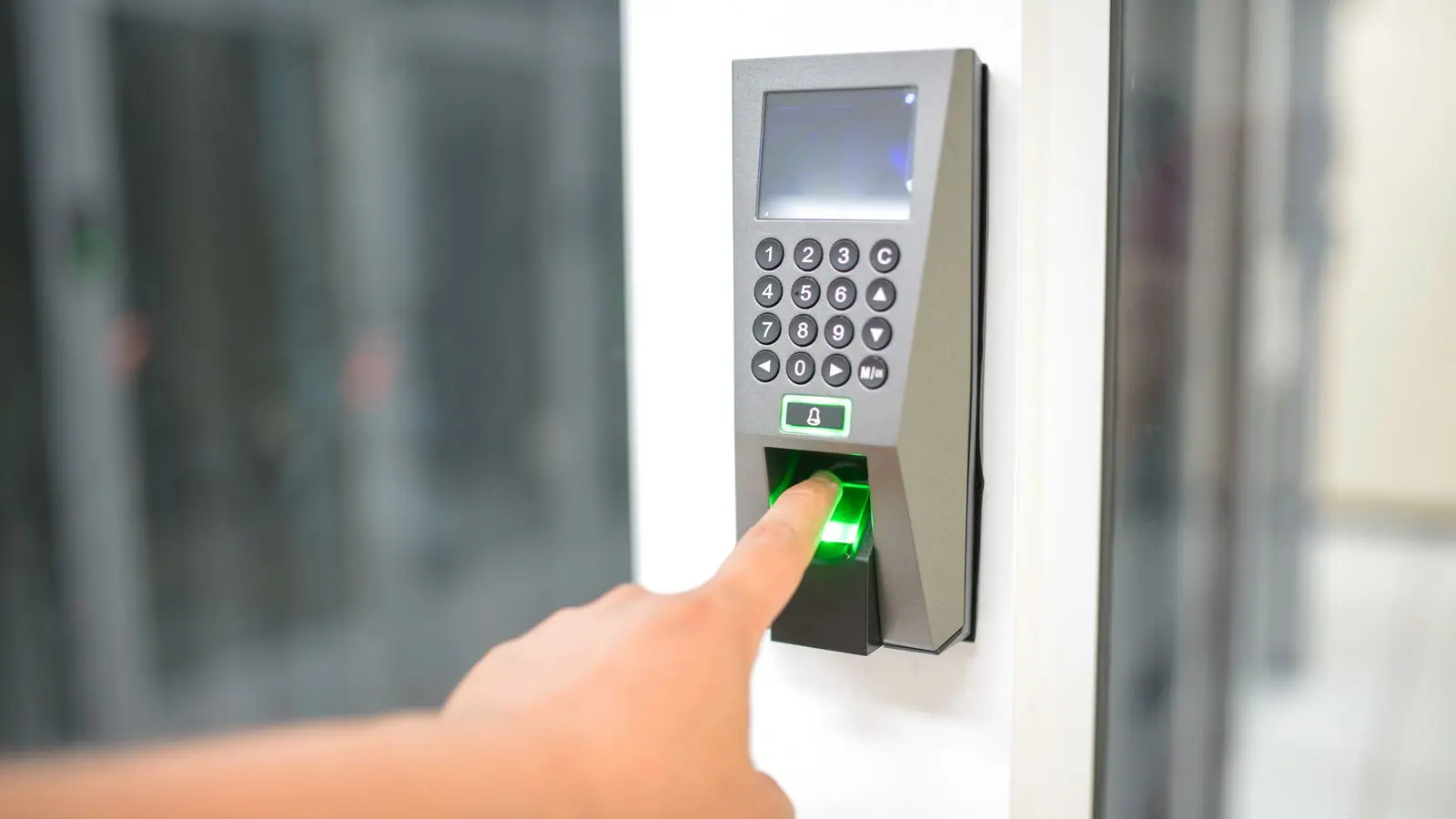
Buying a biometric clock looks like a hardware decision: price, fingerprint capacity, whether it has face recognition. But the device is the part that causes the fewest problems. What decides whether attendance is useful or not is what happens after the punch: how it leaves the device, where it is stored, how it turns into hours, and how those hours reach payroll without anyone retyping them.
This article follows that order. First what to ask before buying; then the full path of a punch to the payslip; and at the end the cases that break the flow and how they are resolved.
What a clock does and does not do
A clock records an event: the person with such an identifier punched at such a time on such a device. Nothing more. It does not know whether that punch is an entry or an exit, it does not know what shift the person had, it does not know whether she was late, it does not know whether that day was a holiday. All of that has to be decided by the system that receives the event.
That is why the right clock is the one that hands over its events complete, with person identifier, date, time and device, and hands them to a system that does know shifts, holidays and contracts. A clock that only prints a monthly PDF report is an expensive wall clock.
The questions before buying
- How does the data leave the device? Over the network, by cable, or on a USB stick somebody has to carry to the office.
- Can it be read from an external system or only from the manufacturer's program?
- What happens if the network drops? The device must store the punches and hand them over on reconnection, losing none.
- How many people does it hold and how many punches does it keep before overwriting?
- Can people be enrolled from the management system, or does the fingerprint have to be registered device by device?
- Does it work with several sites? Each site needs its own device, and all of them must add up in the same record.
- What brand is it and how many years has it been on sale? A rare device is a device without spare parts.
The second question matters most. If the events can only be read from the manufacturer's program, everything that follows is done by hand.
From the clock to the system
In XEN, the clock is registered in Human Resources, in the Devices view, with its network address and its site. From there you see the people enrolled on the device and the attendance it has recorded, and Sync pulls the new punches into the system. XEN works with clocks from several brands; when a company has a device with its own protocol, XEN Overdrive builds the integration for that model.
Each punch enters as an event with person, device, date and time. It is not interpreted yet: first it is stored as is, so you can always go back to the original data if a rule changes or somebody disputes it.
From the punch to hours
This is where the rules come in. The system knows each person's shift, the lateness tolerance the company defined, the holidays in the calendar and the contract (full time, part time, flexible hours). With that, the first punch of the day reads as entry and the last as exit, the difference against the shift gives lateness or overtime, and the absence of punches on a working day gives an absence.
The result is visible the same day on the Human Resources dashboard: who is on site, who arrived late, who is missing. There is no need to wait for month end to know how attendance is going, and the supervisor can resolve an observation while everyone still remembers what happened.
From hours to payroll
Payroll takes the hours already calculated: days worked, deductible lateness, overtime with its premium, absences, approved leave. Nobody types them. If a supervisor excused a late arrival because the bus did not come, that justification is already in the system and payroll respects it. The period is calculated on those figures, and the electronic payslips go out with the correct detail.
That is the full path: fingerprint, event, rule, hours, payroll, payslip. Five steps and not one transcription.
The cases that break the flow
A person punches in and forgets to punch out. Somebody works at two sites on the same day. A shift crosses midnight. A device was offline for three days. Each of these cases has a rule and a screen to resolve it: the missing punch is justified with the supervisor's approval, punches from two devices are joined by person and not by device, the night shift is defined as such, and the offline device hands over its queue on reconnection.
What matters is not that these cases never happen. It is that when they do, the correction is recorded with who made it and why, and payroll is not calculated until the period's observations are resolved. Frictionless attendance is not attendance without exceptions: it is attendance that resolves them the same day, in plain sight.